
Animation
One area of digital imaging that we have not delved into is Animation. This facility has been available in Photoshop and Elements for many years. Elements 2 has this facility for instance.
The principle of the idea is to get an image with a small amount of movement that repeats itself if required. This would be small episode in life.
In order to make it work the images have to be in the GIF format. Now, as you know, this format has its limitations particularly in the numbers of colours it can display - 256 maximum compared to ~17 million for JPG or TIFF. Even so acceptable results can be reached.
The subjects suitable can be almost anything from Leaves fluttering in a breeze to Children on a Swing to Marker Scenes to Lights on a Christmas Tree Twinkling.
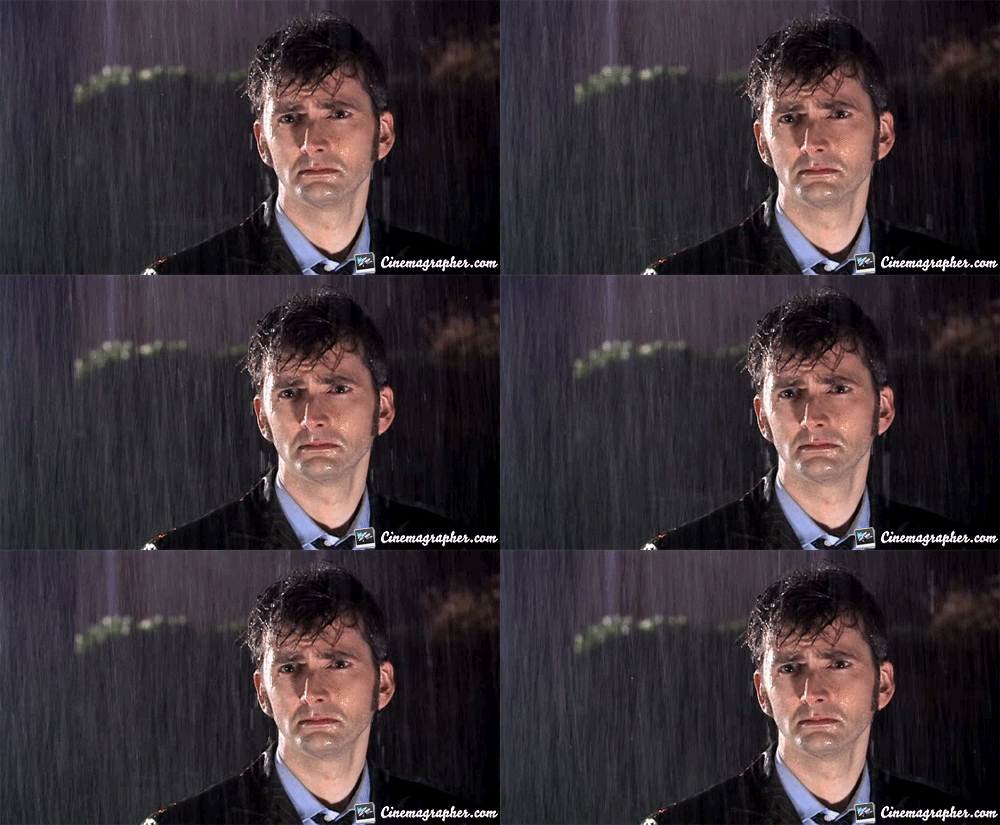
There is currently a vogue for a variety of animation called Cinemagraph where only part of the image is animated and rest is a still photograph. Examples can be seen by typing Cinemagraph into Google and the clicking on Images. Here is one.
We will take a simpler approach. Now as stated above we could use most versions of Photoshop to make animations.
However, we will use another piece of software that is free and you may not have heard of. It is called Photoscape. It is available for Macs too see http://x.photoscape.org/mac/download.php to download. I notice that there is a video editor for free for Macs on http://www.videoblend.org/mac/ download.php.
For PC users see http://www.photoscape.org/ps/main/download.php. There is no video editor for Pcs.
Having downloaded this programme click on the file PhotoScape_V3.6.5.exe and the following screen 1 shows.
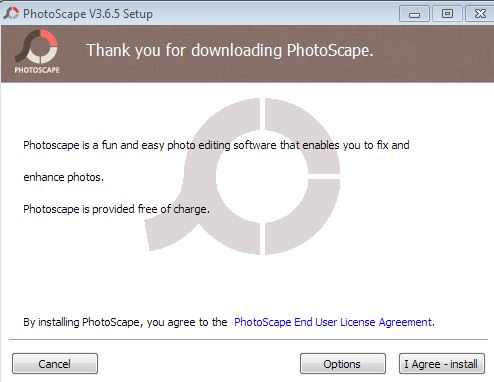
Follow the instructions to Install the program.

The opening page is as can be seen a sparse affair but notice on the circle of words is Animated GIF. Click on this and this screen appears.
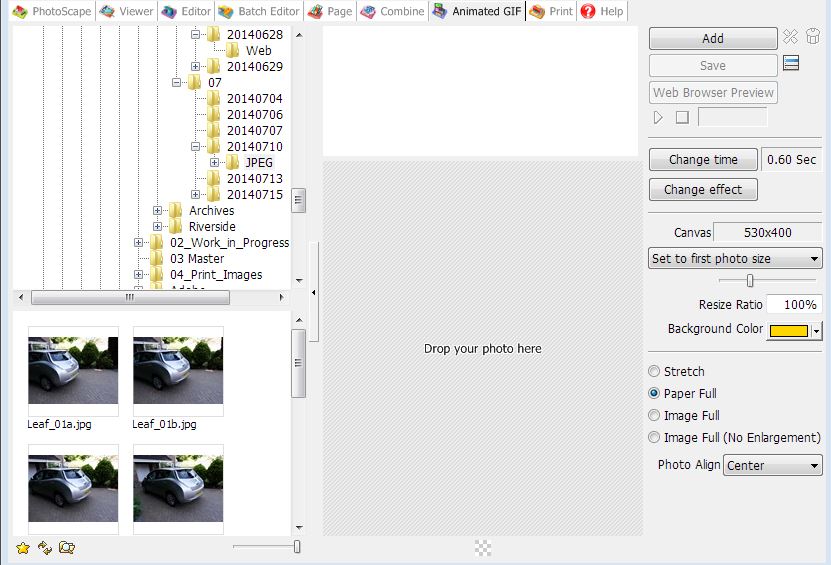
Now drag a set of pictures taken in sequence over a short period such as the 3 taken when bracketing or a snippet of a video [say 10 frames] or using the Burst mode on your camera [usually 10 frames taken rapidly]. The latter are what are shown here.
Literally as soon as you released the mouse after dragging your set of images you will see animation.
All you need to do now is tweak the controls to make any changes if needed.
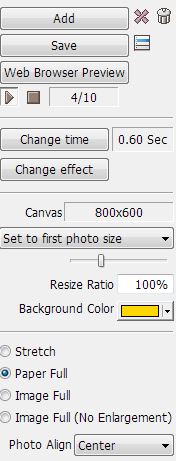
Note particularly the Change Time button. Altering this can make a huge difference. At 0.08 sec you smooth flow.
An example of an animation is HERE
You can resize the images in the third section down. But keep the size modest.
Save using the Save button. Note that it automatically saves in GIF even if your images were
JPEG.
What do you do with this now? I usually upload my versions onto my blog Peter’s Pics on http://blue-ram.blogspot.com. They do not seem to work on Flickr or Ipernity.
They can be sent as emails, however, and this is brilliant way of showing these to friends, family and
neighbours.It is worth looking at what else Photoscape can do too. It is very good all encompassing program.
See Page for instance.
Have fun.