Mirror Boxing
This is an idea that you could use to make fun cards for birthdays and the like. This is not serious art! Thanks to Gavin Hoey for the idea.
See his video http://www.youtube.com/watch?feature=player_embedded&v=yTDQ6EsmT_s#!
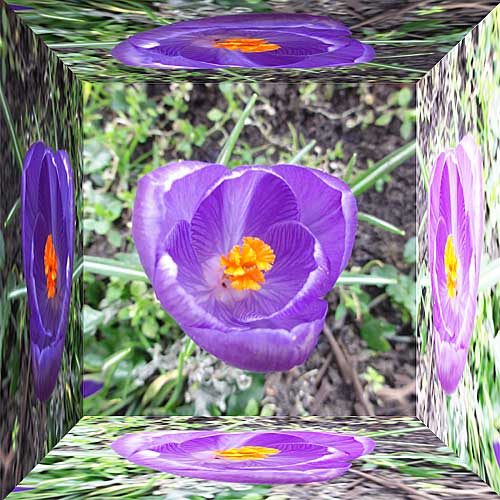
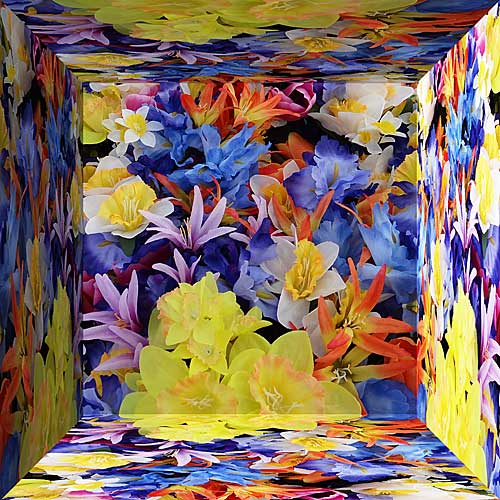
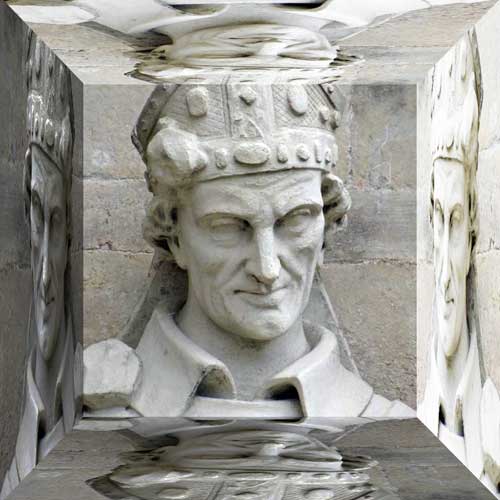
The idea is to make a normal image appear as if in a box with the sides made of mirrors.
This will work with any version of Photoshop that has layers
1. Open up any photograph.
2. Crop to a square. Hold down the Shift whilst dragging the Crop tool to ensure a perfect square.
3. Copy the Background 4 times.
4. Increase the Canvas Size by 150% [Image > Resize > Canvas Size - alter to Percent and type in 150]
5. Use the Move tool [with Auto Select Layer unticked] to move one of the layers to the right. Stop when the edges exactly meet [to assist this ensure that the Snap to controls are ticked]
6. Got to Edit > Transform > Flip Horizontal.
7. Use CTRL + T to get the Transform tool. You will probably have to zoom out to see the transform lines. Drag in horizontally until the edges meet
8. Still with Tranform active, right click in the selection and choose Perspective. Pull the corners until you meet the corner.
9. Repeat for the other horizontal layer and then repeat twice for the Vertical layers. Flip Vertical rather than horizontal.
10. As a final touch pick the left edge layer and darken it by using the Brightness and Contrast control set to -100
11. Repeat for the right section but set to +100 to brighten.
12. Repeat for the top section but darken by -50.
13. Repeat for the bottom section but brighten by 50.
14. That is all you have to do.
Here are some worked examples