
Liquifying
Use of the Liquify filter is great fun and can enhance your images too. This can of course be used to slim plump people or fatten thin people. However this can also be used artistically to make images not available otherwise. Then this image could be further changed with other filters such as the Filter Forge Distortion set. Or one of the many other built-in Photoshop filters.
Let us try a few ideas out.
First my Sad Sight image on the right. Surely we can slim the lady on the right?

Well I had a go. First I duplicated the file and duplicated the background layer. Then I removed the lady by cloning her out as here.

I selected the two women and made them into a new layer at the top.
Then by going to Filter > Distort > Liquify to bring this into the Liquify box.
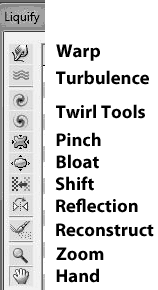 Tool Box
By using the Warp and Pinch tools the even sadder image on the right resulted.

The method of using all these tools is to use them little at a time. Only gradually and gently pushing the pixels around.
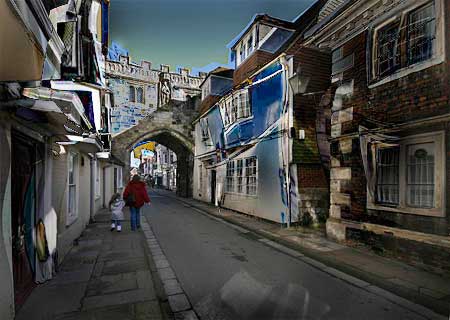
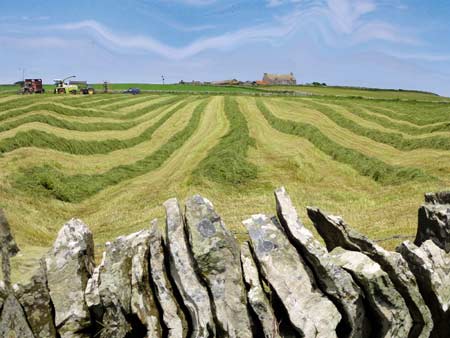
Here are some other images treated in this manner.



This video is worth watching to get more instructions for Liquifying HERE
I have also made a short video about the making of the Lake District image above HERE