How to Make the Masterpiece
Although we have had a go at producing picture suitable for hanging in your lounge none were especially as I had considered. So I thought perhaps you would like to have another go. This time with much more input from myself to guide you through the stages.
1. Find a picture of a family scene. You do not have to have a family scene I just thought that you might already have one and you might like to hang it on a wall later on. However, a gorgeous landscape, a photo of
the Cathedral or a holiday scene may be more to your liking. Choose several possibilities. Let me see them
to help you decide which one to work on.
Then there are some simple steps that could use Elements or iPiccy or any other suitable photo editor [layers
are needed]
2. Make corrections and duplicate. Let size be 15x11 inches.
3. Place one version on top.
4. Blur the bottom layer.
5. Using a layer mask paint away the top layer judiciously.
6. Add a top layer of white.
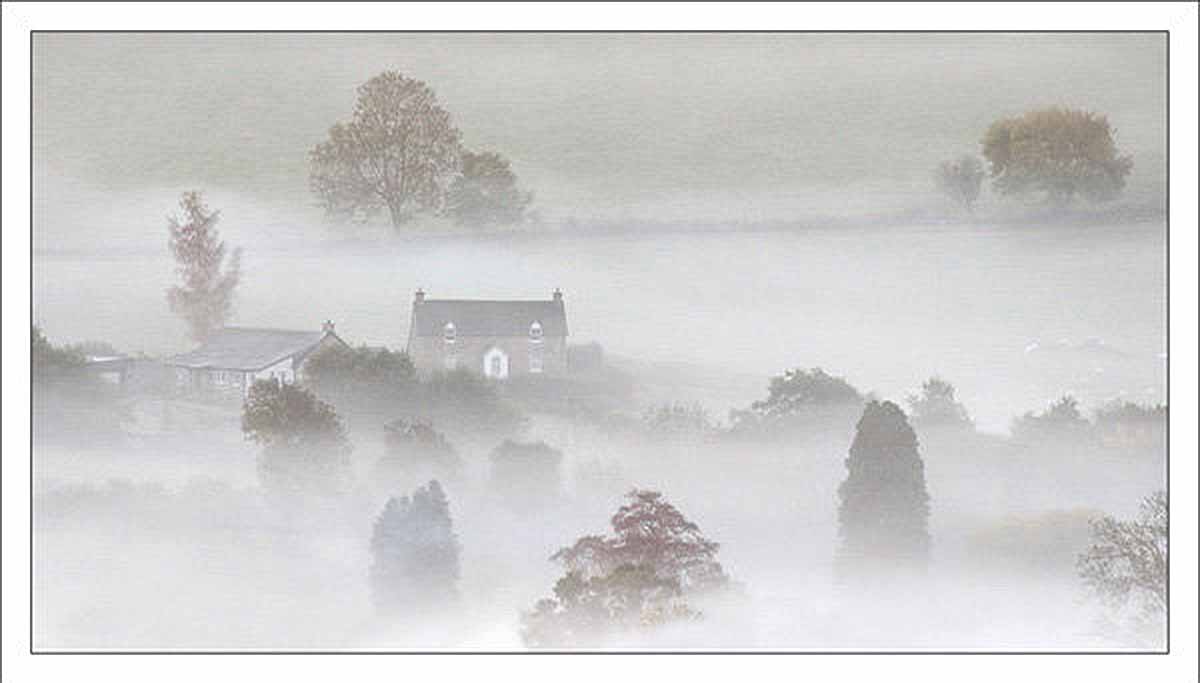
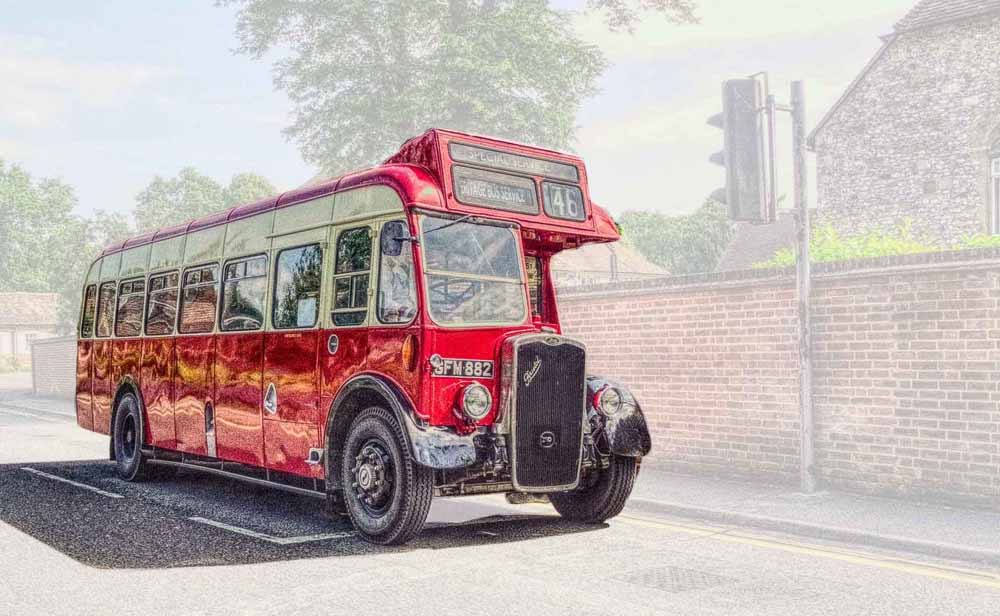
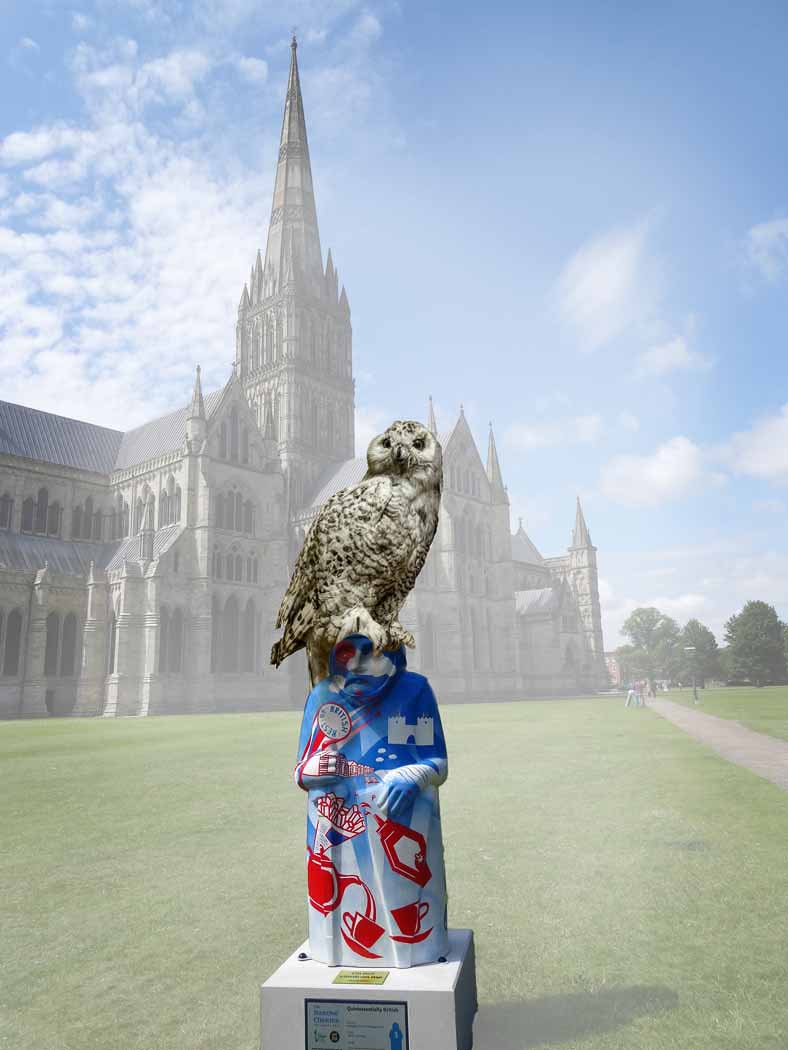
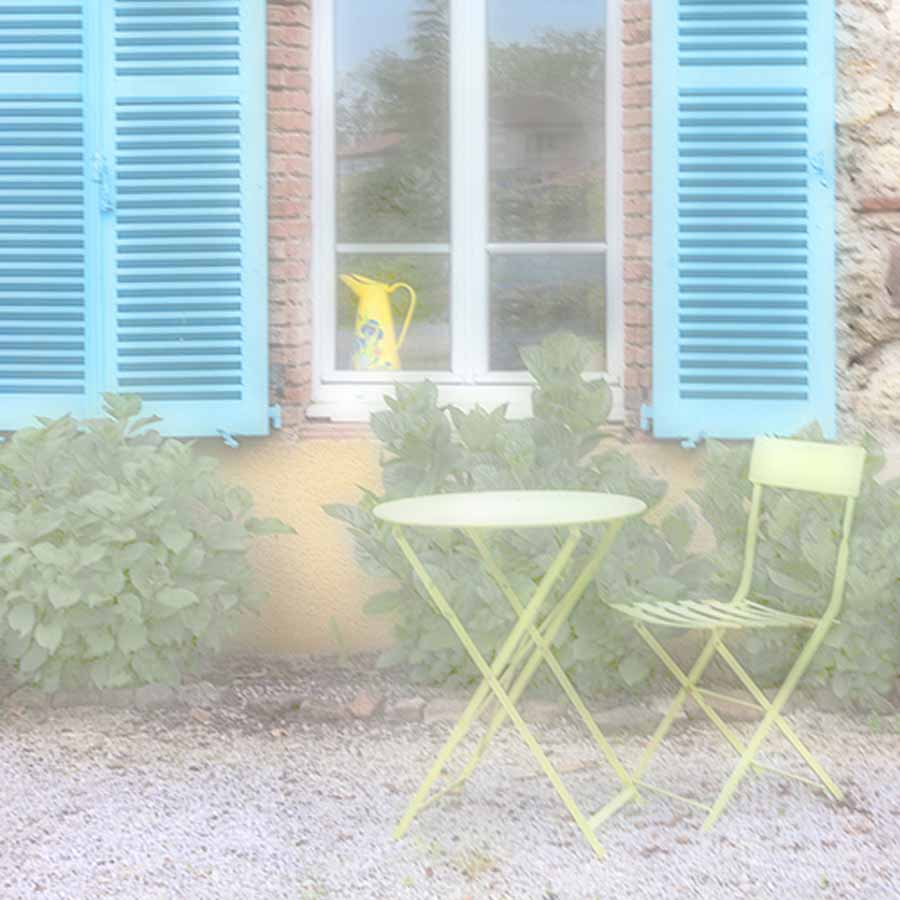
7. Adjust Opacity to suit. The idea here is to make the image exclusively yours and to attempt to add a touch of magic. It adds a dreamy feel. See Irene Froy’s images for instance.
8. Send me the result and I will use DS Colour labs to print the images.
9. I sell members a sheet of mounting board and glue for the print.
10. Member glues print onto mount board.
11. Sits back and admires their work.
This process will take some time but you can have a go every so often when you have a moment to spare.
Best of Luck.
Below are examples of the use of the White Layer