
HDR Again
Following on from Jeff Morgan’s talk here are some instructions on a simple method of making High Dynamic Range photographs.
This is based on a Free Program called Fusion and from my experience it works brilliantly. There are other programs such as Photomatix that I have tried. This is a more complex program to use. This complexity is totally unnecessary.
Those who use a MAC can download another HDR program called HDRist from http://www.ohanaware.com/hdrtist/ This is free and only works on a MAC so I have not been able to test it out.
Fusion is found under http://fusion-hdr.com and the opening page gives you a good idea of its capabilities. You can download the program from here if you wish but I play safe and go to the Download page and use the Portable version shown highlighted. I prefer this because it does not install and you could use Fusion from a USB Stick.
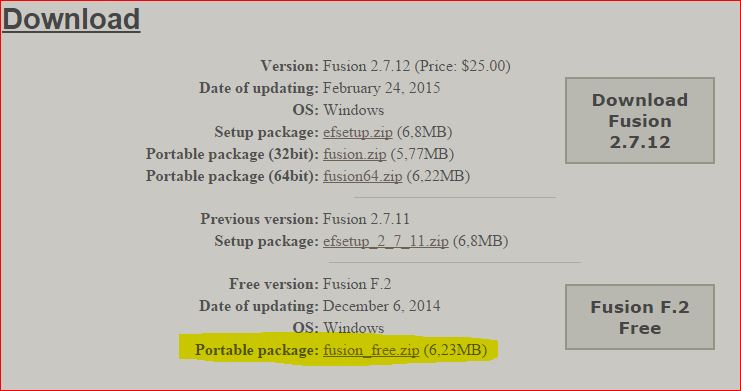
The download is in a zip format. Open this and click on Fusion.exe file. A warning box opens.
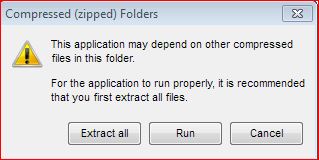
Choose Extract All. If you right click the Fusion.exe file find the Pin on Start Menu as shown here.
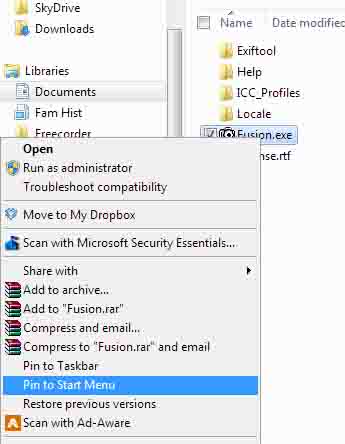
You should find the Fusion logo on your Start menu. Click this to Run the program.
Now I think that to use the program you can do no better than use the Brief Instructions included on the Fusion web site. This will tell you all you need to know.
Example of how it works.
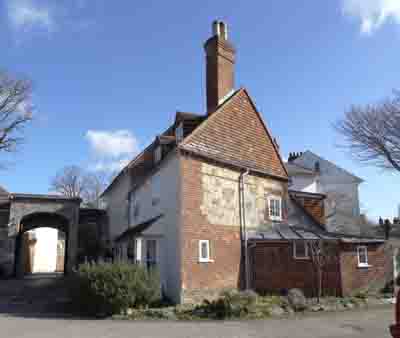
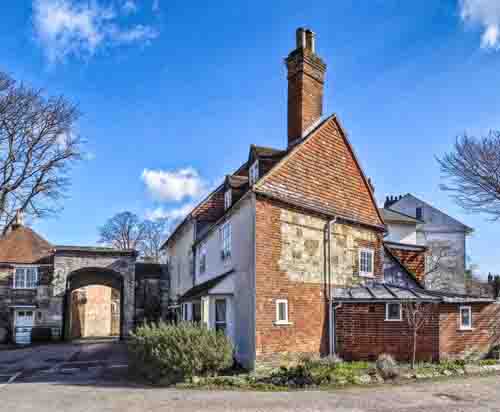
This result was made from just two images that were only 0.3 stops apart. Note the white wall through the arch on the Before image.